Cartography | Custom Maps, Fog of War & Compass
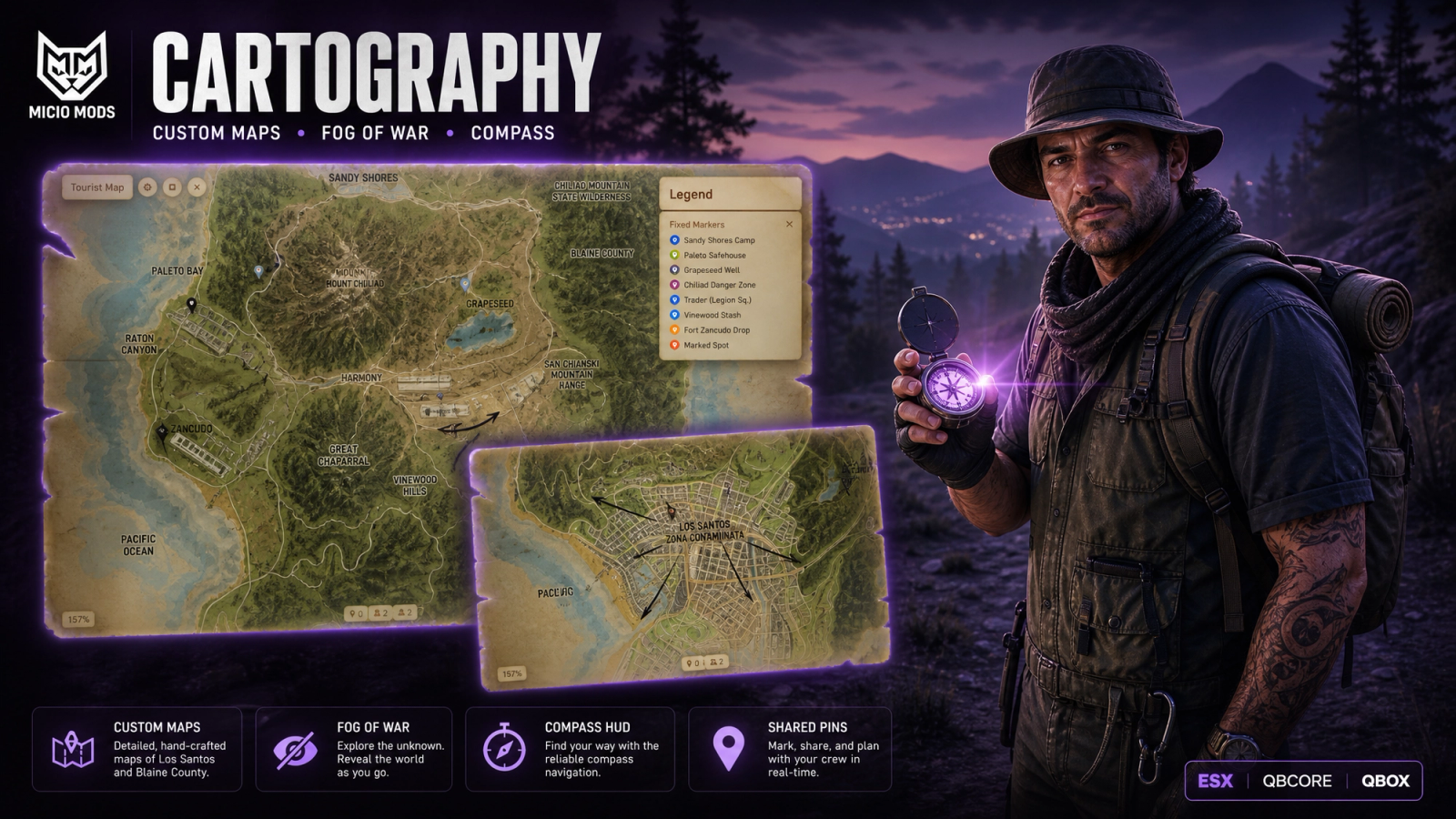
Trade the GTA minimap for your own hand-drawn map. Reveal it under fog as you explore, drop pins, draw zones, leave notes, and share finds. Open it fullscreen or hold the real paper map in first person, and swap in any image fast.


Overview
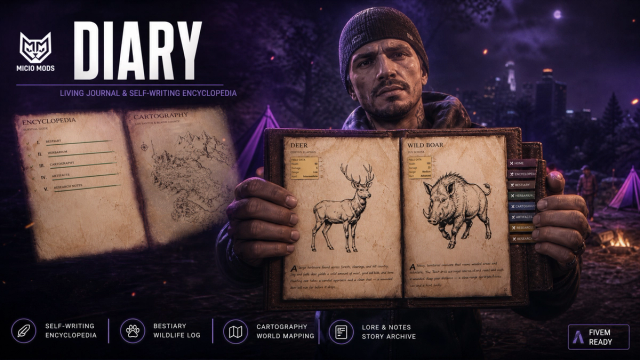
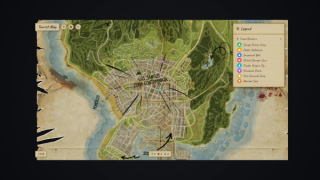
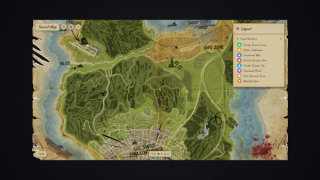
The vanilla minimap hands every player a full city tour on day one. Cartography replaces it with an image you choose, hidden under fog, so the world only lights up where someone has actually walked. Maps can even live on paper: held in first person, read mid-step, traded away with every secret still on them.
What to expect
- Any image works: hand-drawn, satellite or treasure map, from a file or a link
- Fog of war reveals as players explore and survives restarts
- Hold the map as a real paper prop and read it while walking
- Pins, radius zones, text notes and image overlays with a full editor
- Any marker can be shared in chat as a short code
- Trade a map item and its fog, pins and notes travel with it
- Waypoints drop a real checkpoint in the world and clear on arrival
- Optional compass strip with markers that fade by distance
- Calibrate a new image in-game with four clicks
- Runs at 0.02ms idle in resmon
Works on ESX, QBCore and QBox, or fully standalone.
Key Features
Your Image, Not GTA's
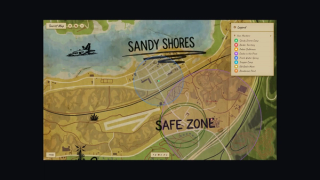
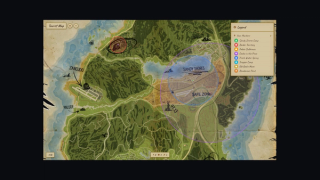
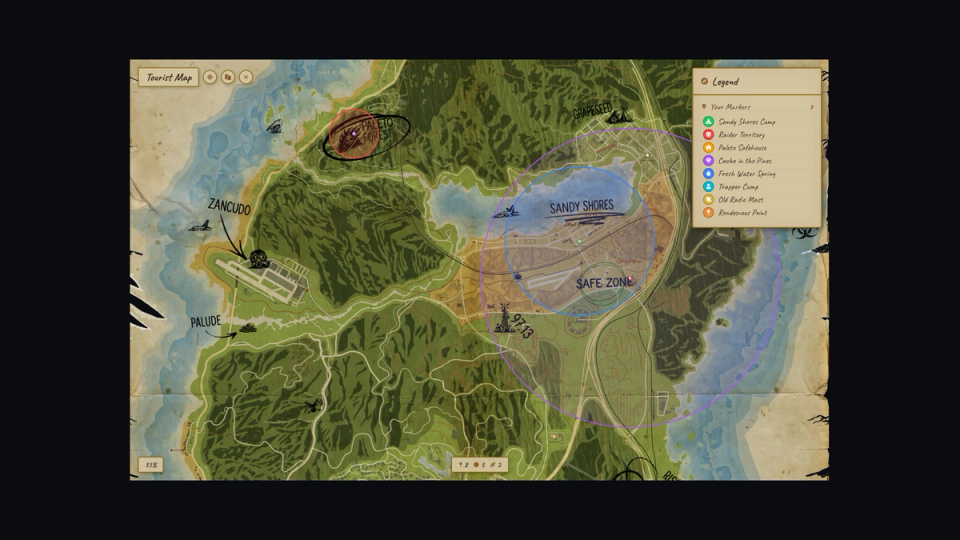
A finished custom map ships with the script and works right away. To use your own, drop in any PNG, WebP, or JPG, or point a map at a hosted image link. Hand-drawn, satellite, treasure, tourist, fantasy, anything fits. Run as many maps as you want, each with its own zoom range, fog radius, and item.
A Map You Actually Hold
Set a map to the in-hand mode and the fullscreen menu goes away. The player holds the paper up in first person and the live map is printed right on the page, fog, pins, zones and notes included. They drag across the paper to pan, scroll to zoom, and right-click on the page itself to drop a marker. The world stays in view past the edges of the sheet. Checking the map feels like reading a real one on the move, not opening a screen. Any map can run this way or open fullscreen, set per item.
Fog of War
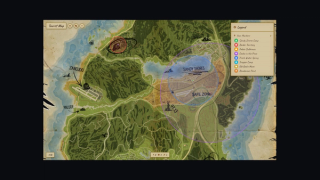
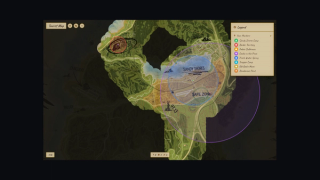
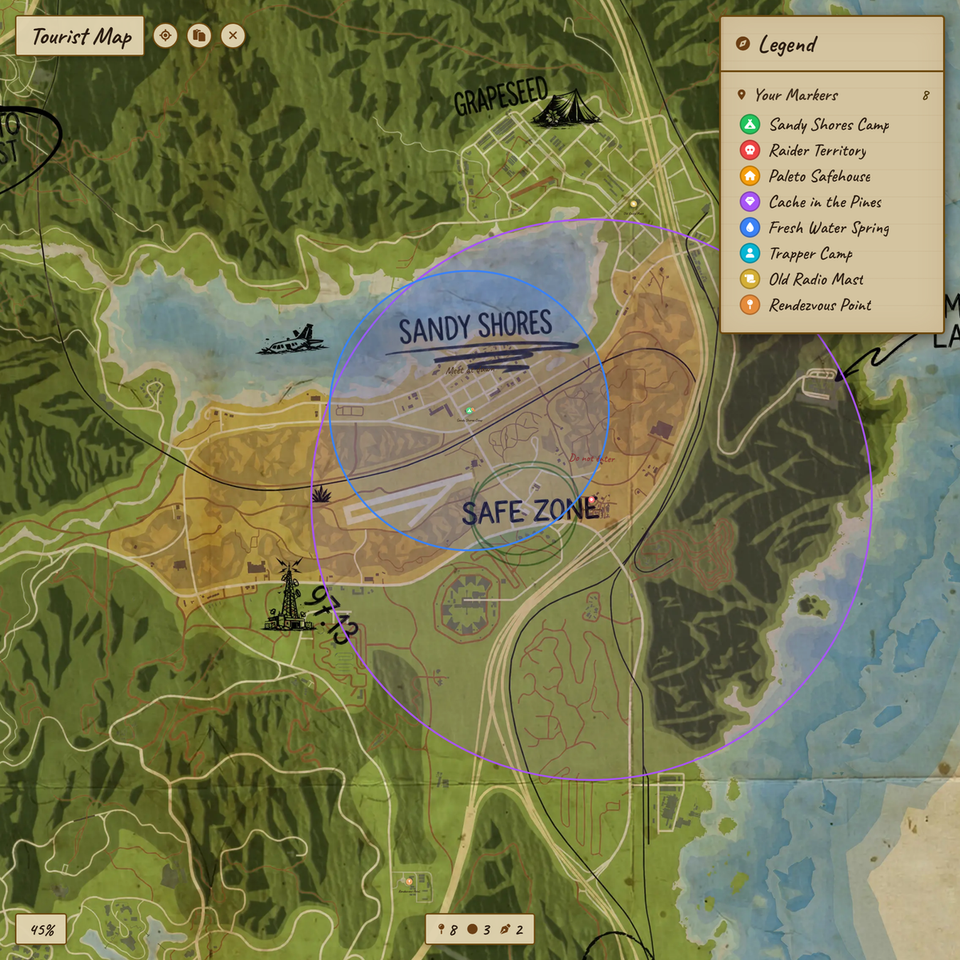
The map starts hidden. The world lights up as players explore and the discovery is saved and survives restarts. Each map sets its own reveal radius, and tracking keeps running even with the screen closed.
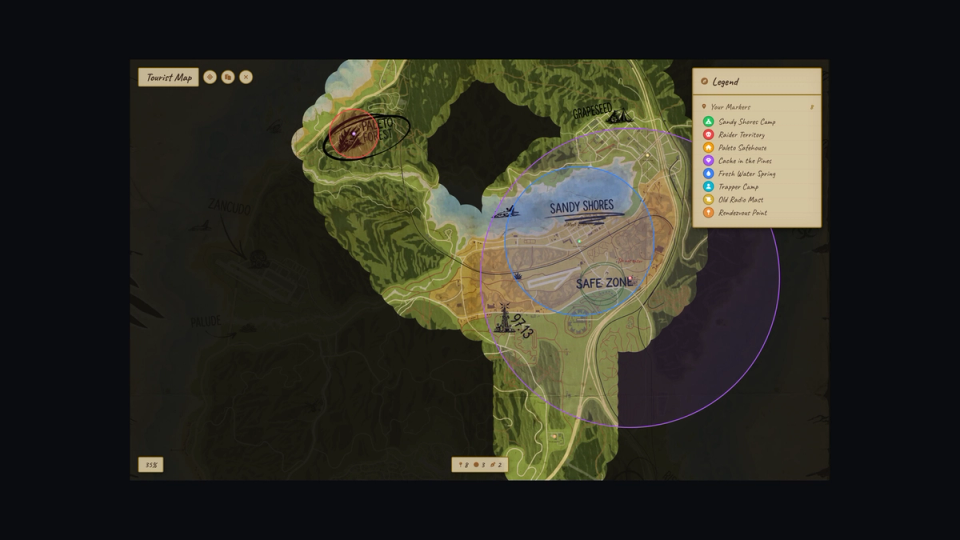
In-Game Calibration
Drop in your image, run the calibrate command, then click four points on the map that match four positions in the world. The scale and offset values are copied straight to your clipboard, ready to paste into the config.
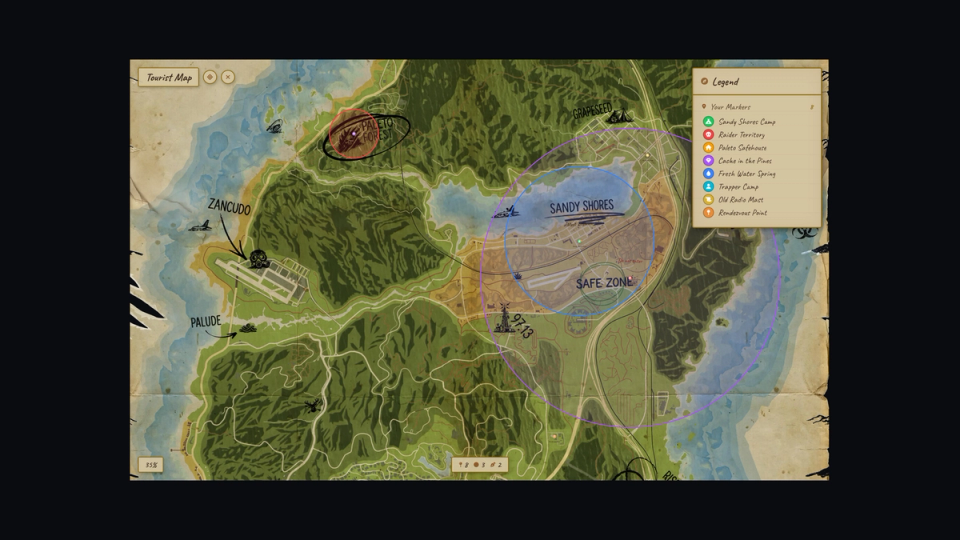
Pin, Zone, Note, Image
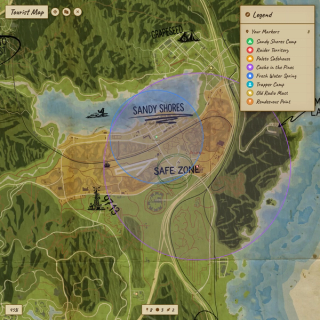
Right-click drops a quick pin from a preset, or open the full editor for any icon, colour, size, opacity, and a background-circle toggle. Add radius zones in three sizes, text notes at any size, and image overlays pulled from a link.
Share With A Code
Copy any marker as a short code and drop it in chat. Another player pastes it back and the same pin appears on their own map. Quick to send, easy to coordinate a meet or a stash.
Waypoints In The World
Click on the map to set a waypoint and a checkpoint, marker, or blip lights up in the world to guide the player there. The yellow GTA pin is optional, and the world guide clears itself the moment they arrive. Style, color, size and render distance of the world guide are yours to set.
Compass HUD
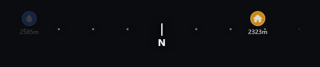
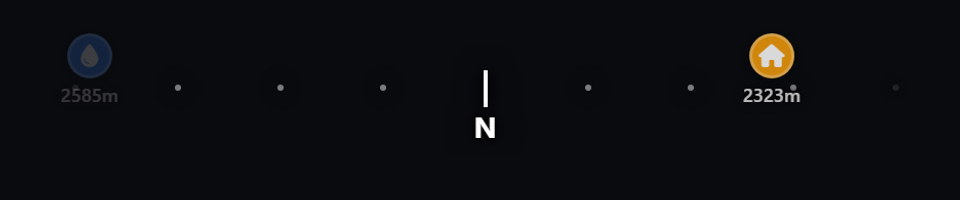
An optional thin compass strip sits at the top of the screen, showing the markers ahead of the player. It fades by distance with a meter label on each one, runs as a half circle or full circle, and its field of view is yours to set. The strip also shows the player's own pins, and the active waypoint stays on it at any distance.
Item Access, Your Rules
Three modes to fit your server. One item per map, one master item for everything, or always available with no item at all. Reads the inventory in a way that works with ox_inventory and the common qb and qs inventories.
Trade The Map, Pass The Knowledge
In item mode the map is a real object. One player explores, clears the fog, drops pins, and draws zones, then trades the item to a friend. The friend opens it and sees that entire world: same fog reveal, same pins, same zones, same notes. The discoveries travel with the paper. Lose the map and you lose the lore.
Lifetime Maps Per Player
Prefer one personal map per player for life, untradeable and tied to nothing on the item? Switch to the per-player mode with a single config value. The same data follows the player wherever the item sits.
Pre-Placed Default Markers
Owners can fix shared markers in the config, or place them visually in-game with a command that copies the ready entry to the clipboard. No editing files by hand to seed the map with key spots.
GTA V Radar Replacement
Custom radar tiles for the corner minimap ship with the script and switch on automatically, reshaped to a clean circular radar. The corner radar follows the same item rules as the main map. The optional ring drawn around it needs our ml_hud resource.
A Paper Map In Hand
Open the map and the player pulls out a real paper map prop, held in hand with a reading animation that lets them keep walking. Drag to pan, scroll to zoom between the bounds you set, and a position dot with a direction cone tracks where they stand and which way they face. Toggle the prop and animation off if you want a clean screen instead.
Keeps Your Existing HUD
Already running a HUD you love? One switch skips the minimap takeover and leaves the native radar alone. The map, fog, compass and waypoints still work on top of it.
Put The Radar Anywhere
Pixel margins in the config move the corner radar exactly where you want it, and a zoom command dials the view live in-game. Exports let your HUD reposition it on the fly.
Staff Keep The Native Map
Players live under the custom map, but an admin sometimes needs the plain GTA one. A staff command switches the native map and minimap back on for that person alone, while everyone else stays under the custom map and its fog. Run it again to drop back into the custom view. Lock the command to any admin group, or a permission you name.


Secure Payments via:
















Tip: Log in with Discord to automatically sync your customer roles!
Verified Reviews
No reviews yet. Be the first!